Photo books for the people you love, and space on your phone for new memories.
Edit the book on iPhone
prunepic.page
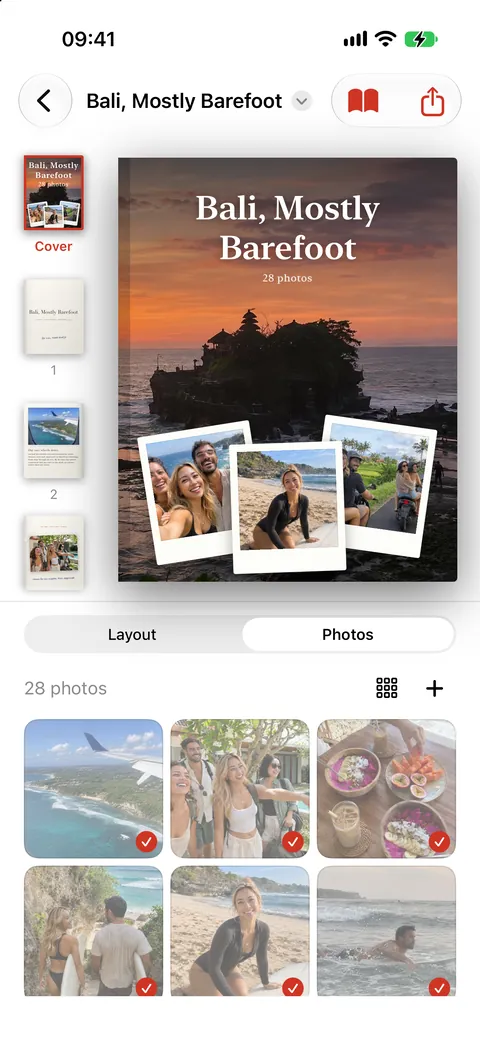
Bali, Mostly Barefoot
Cover
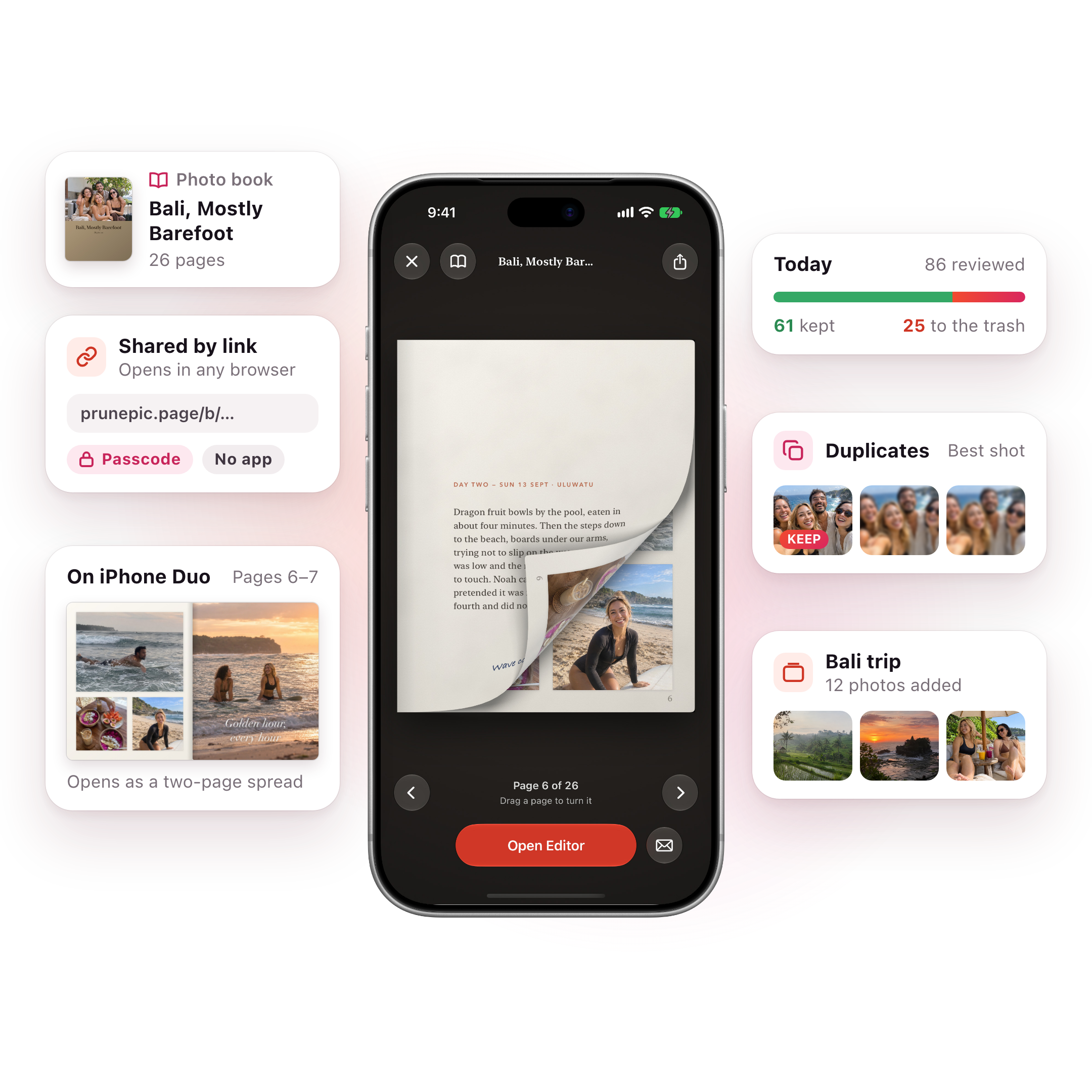
Send a link. It opens on any screen, with no app.
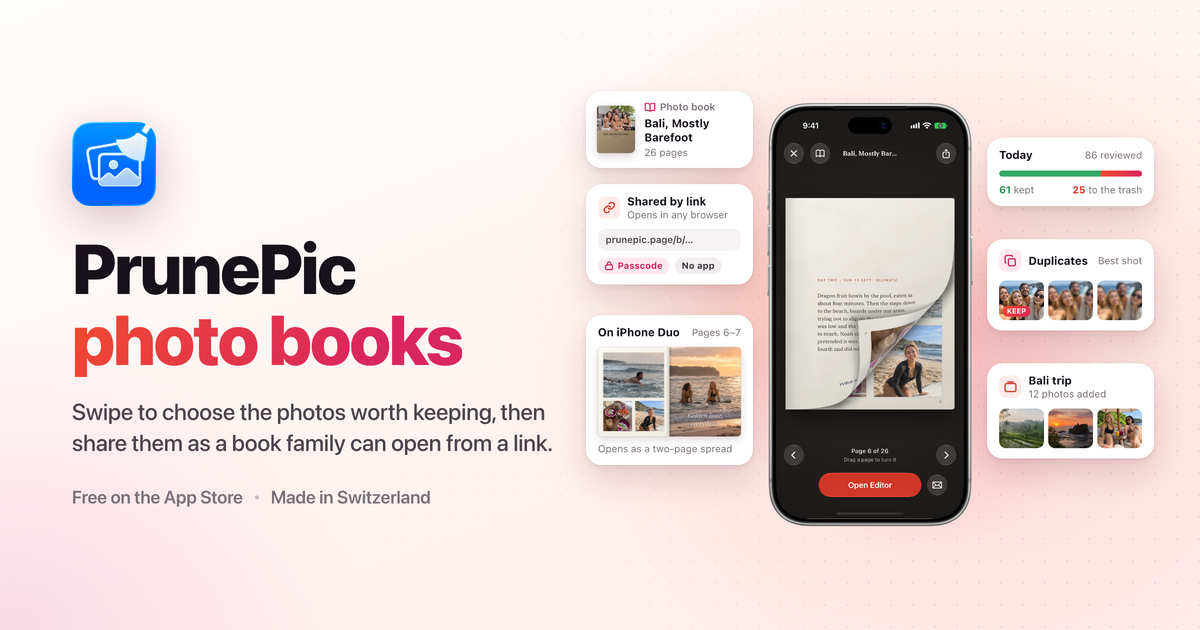
PrunePic turns your camera roll into photo books you can share with a link. Swipe through your library one photo at a time: screenshots, old videos and near-identical shots go to the trash, Duplicates lines up look-alikes so you keep the best one, and you free up space along the way. The photos you keep become a book with real page turns that family can open in any browser.
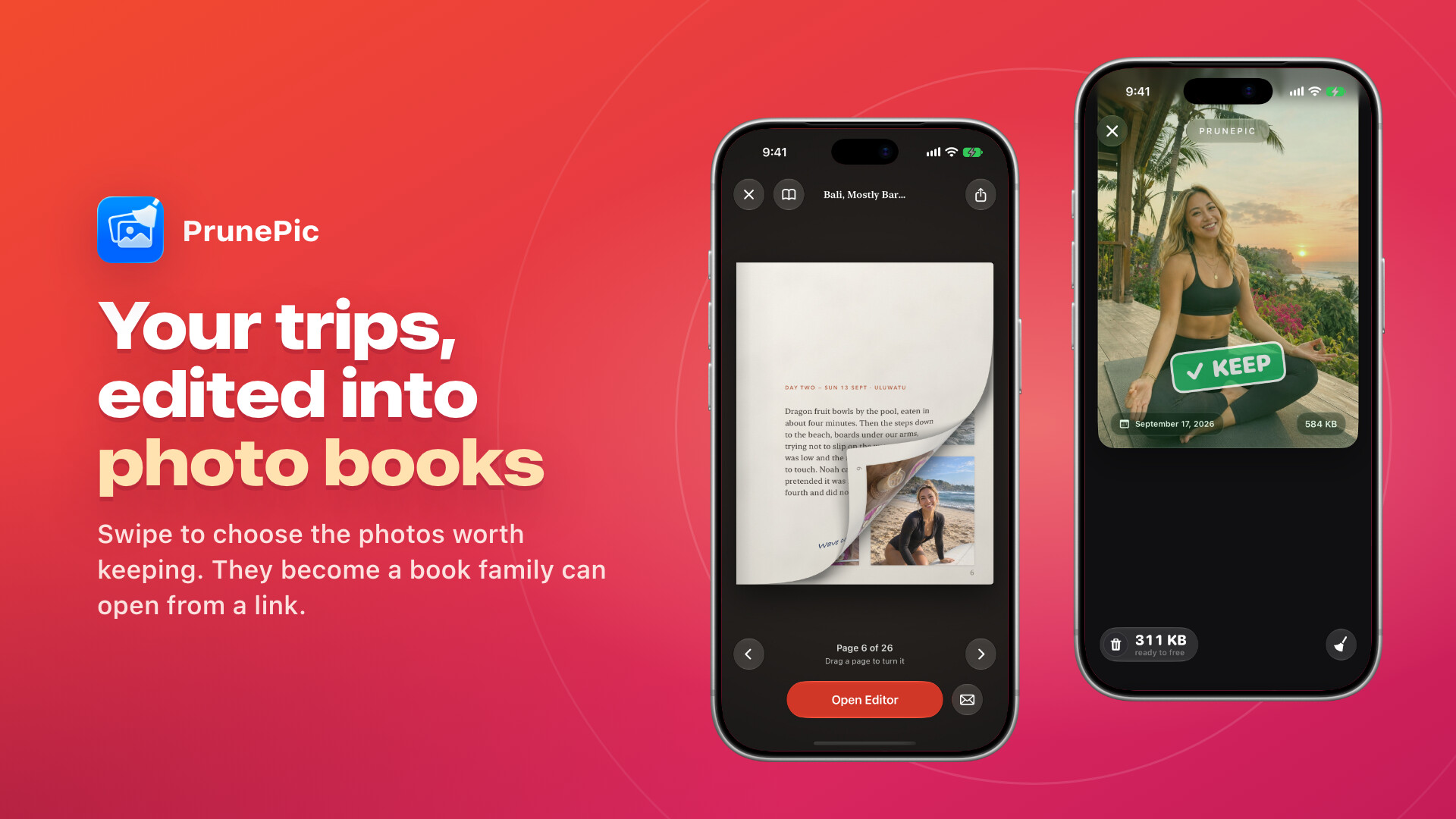
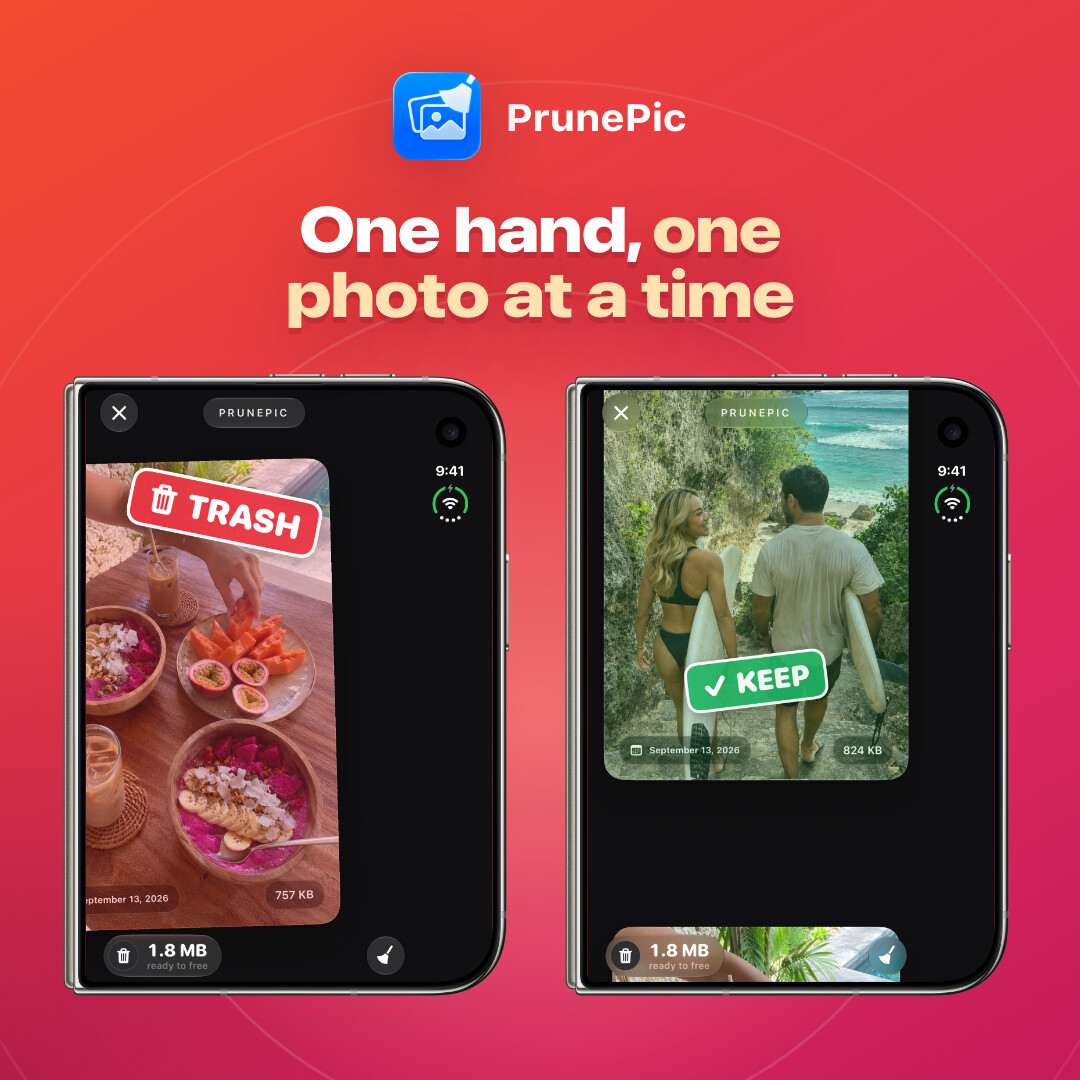
PrunePic is an iPhone and iPad app that helps you choose the photos worth keeping and turns them into photo books to share with family. It shows your library one photo or video at a time. Swipe up to keep it in your photo library, swipe left to send it to the PrunePic Trash, or swipe right to add it to Favorites or an album. Nothing is deleted until you empty the Trash.
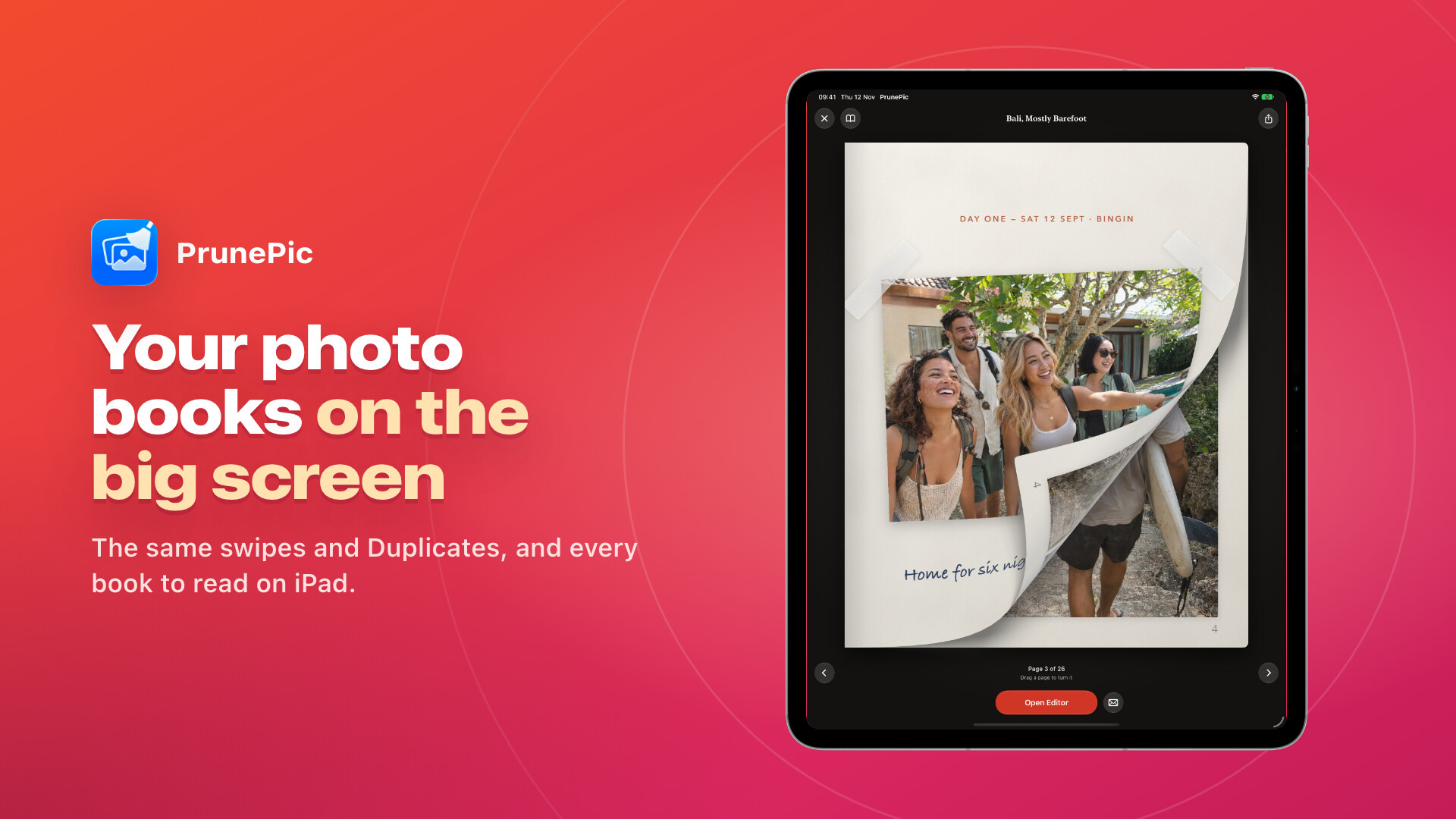
The photos you keep become a photo book, in the order they were taken. View it in the app, or share it with your loved ones through a link. They can flip through the book in any web browser, on an iPhone, an Android phone or a computer. On an unfolded iPhone Duo, the book shows two pages side by side, like an open book.
PrunePic is made by Edouard Barbier, an independent developer in Switzerland. He and his wife are raising their children in a multicultural family, and he built PrunePic to bring the children and their memories closer to both families, in Belgium and India.
Key features
Photo Books: The photos you keep become a photo book, laid out in the order they were taken. Pick a cover, change the layout of any page, add captions and text pages, and turn the pages like a real book. Read it in the app, or save it as a PDF or a video. Your first book is free, with every layout and cover.
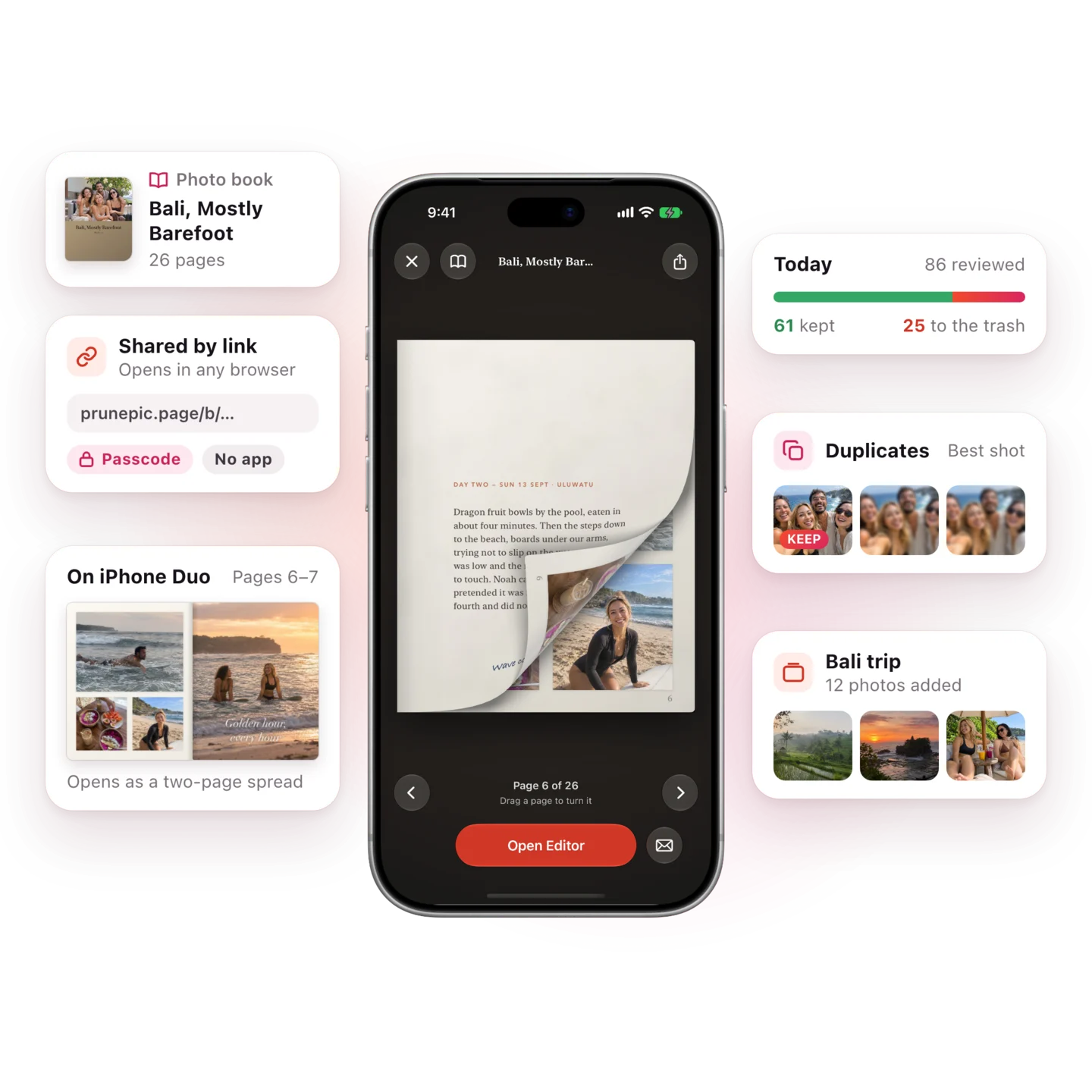
Share with a link: Send family a link and they open the book in any web browser, on an iPhone, an Android phone, a tablet or a computer, with no app to install and no account. Books are protected by a passcode by default, and the link can expire or stay online until you unpublish it. A book is uploaded only when you share it (PrunePic Pro).
Room for new memories: Clear out the screenshots, old videos and near-identical shots you don't need, and free up space for new photos. PrunePic shows how much space you've freed. Nothing is deleted on a swipe: photos wait in the PrunePic Trash until you empty it and confirm, then stay in Recently Deleted for 30 days in case you change your mind.
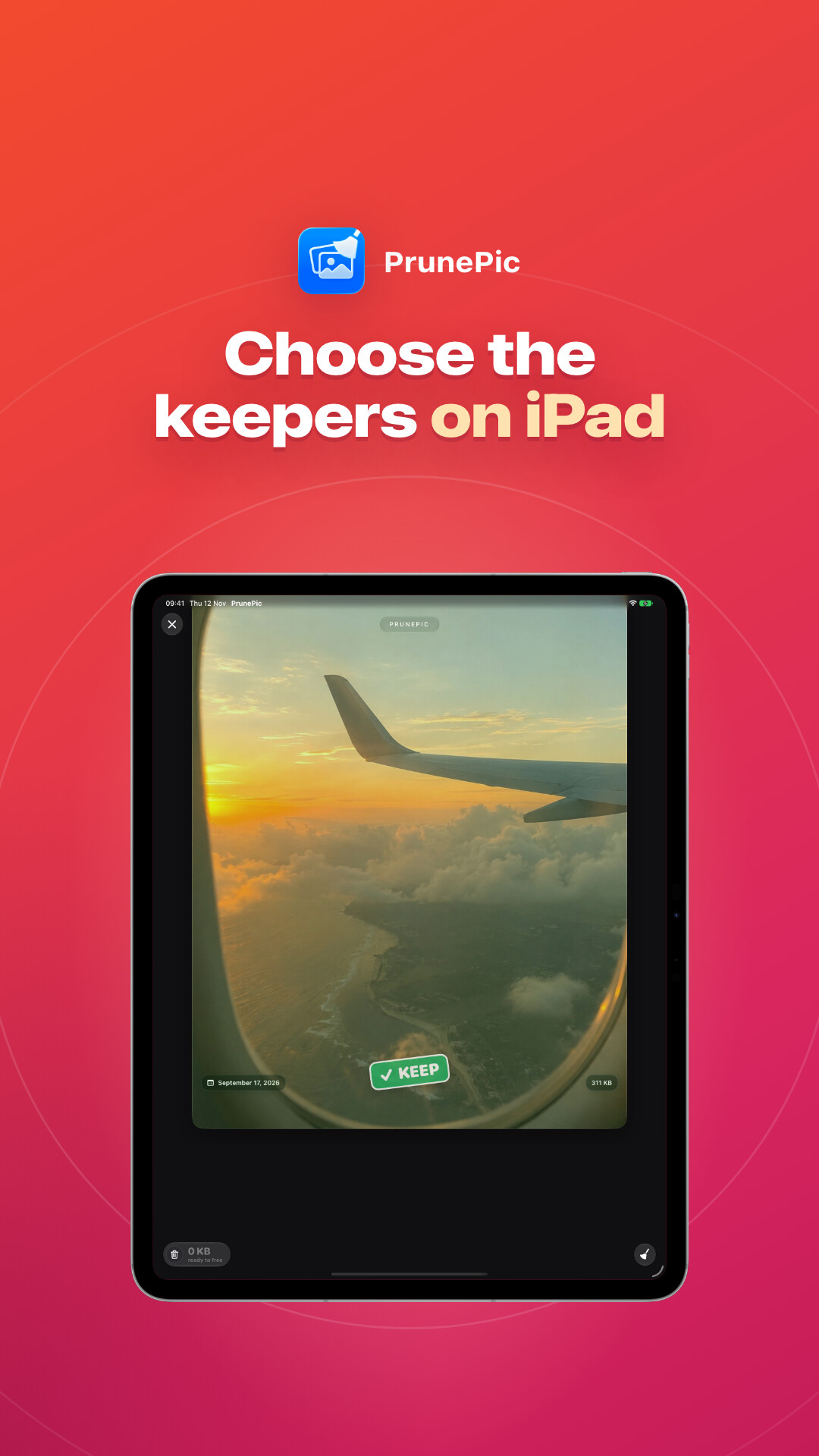
One swipe per photo: PrunePic shows one photo or video at a time. Swipe up to keep it, left to send it to the PrunePic Trash, or right to add it to Favorites or an album. You can undo any swipe, and PrunePic remembers where you stopped, so you never review the same photo twice.
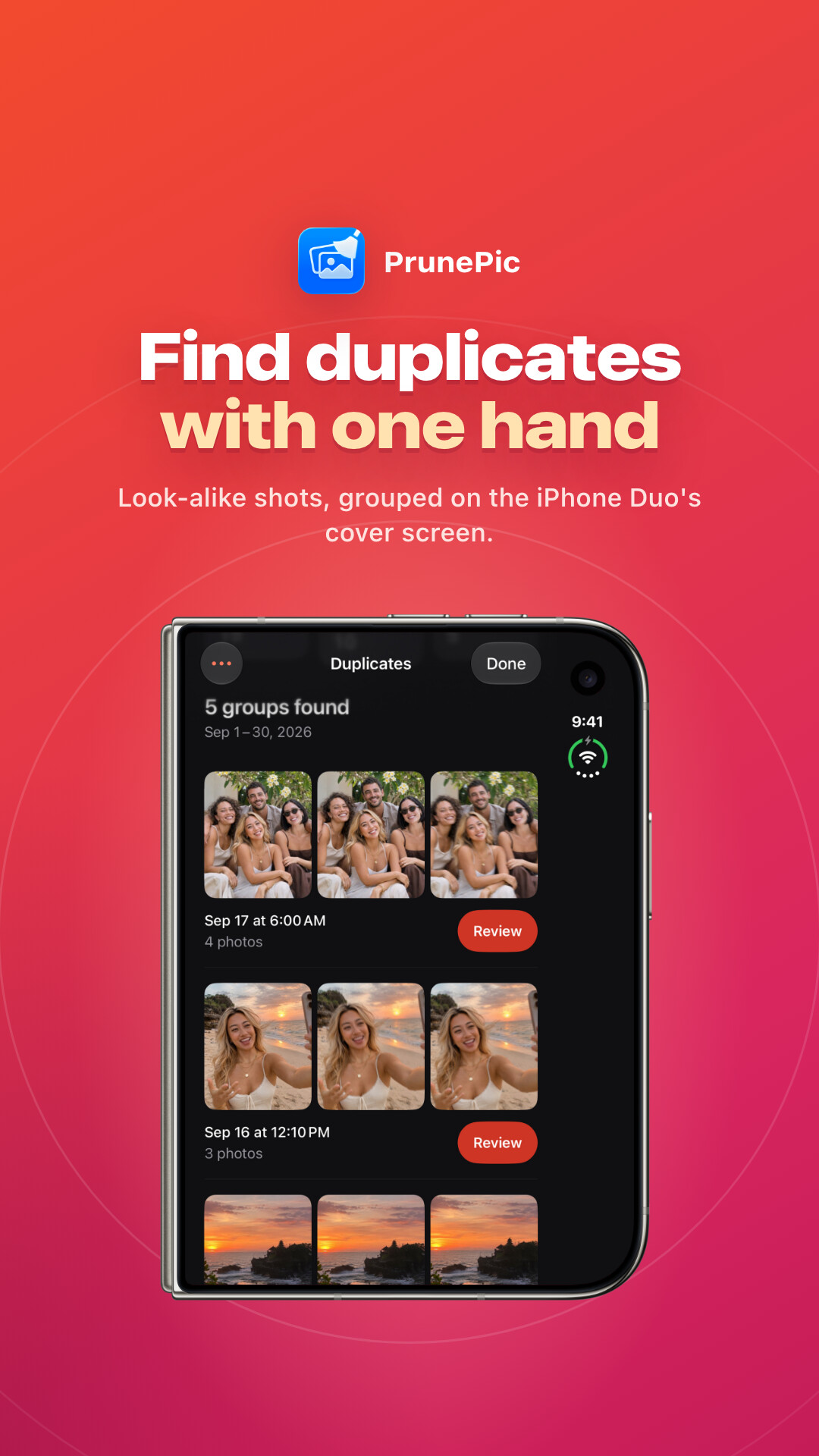
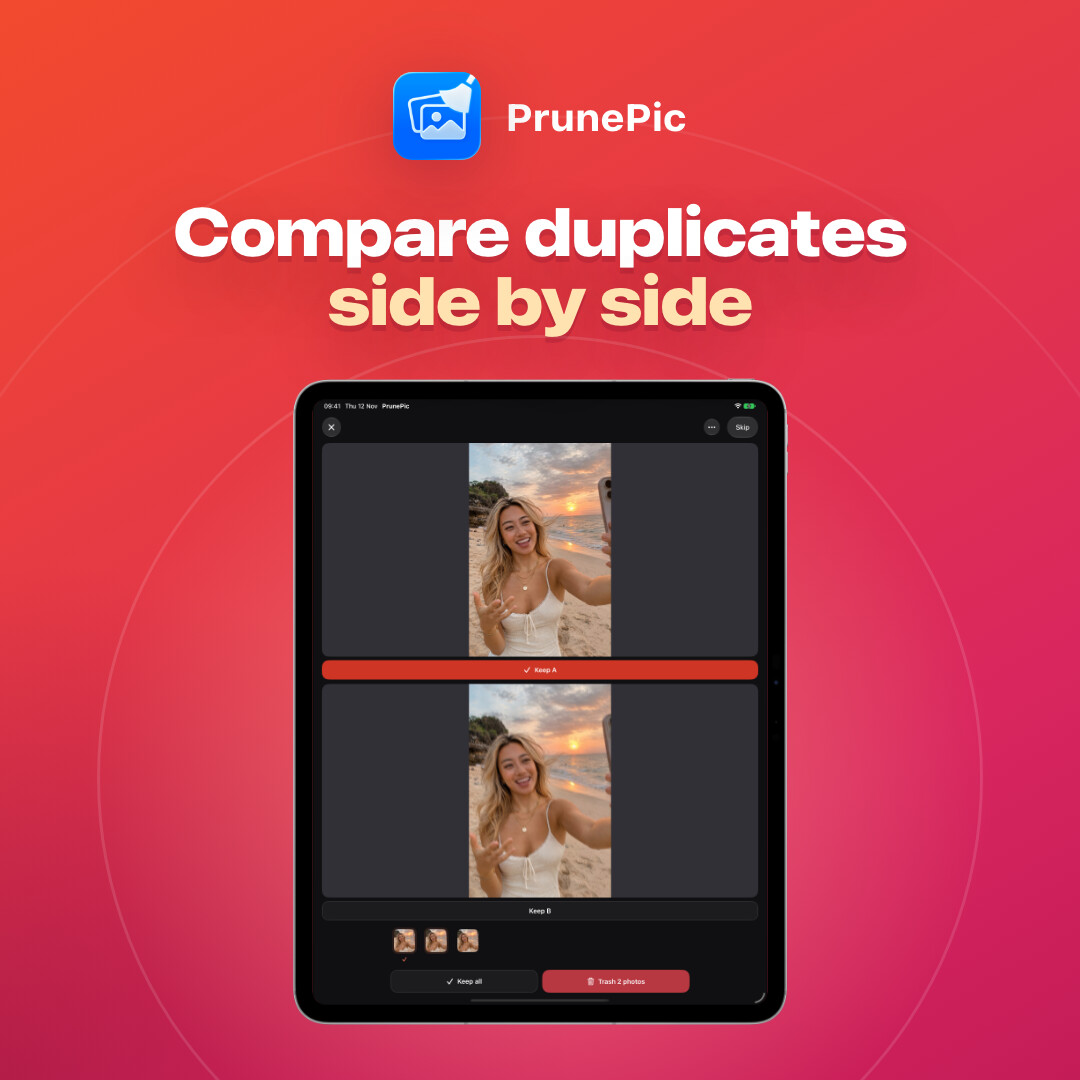
Duplicates: PrunePic finds identical and near-identical photos, such as several shots of the same moment, and shows them side by side. Keep the best one and send the rest to the Trash (PrunePic Pro).
Cleaning modes: Choose what to go through. Everything shows your whole library, newest first, and is free. PrunePic Pro adds Random, for photos in no particular order; only Photos, Screenshots or Videos, with each video's length and size so the big ones stand out; a Batch of 20 to 200 photos for a quick session, with the option to put the keepers in a new album; On This Day, for photos taken on this date in past years; and Trips & Moments, which finds your holidays and events so you can go through one at a time.
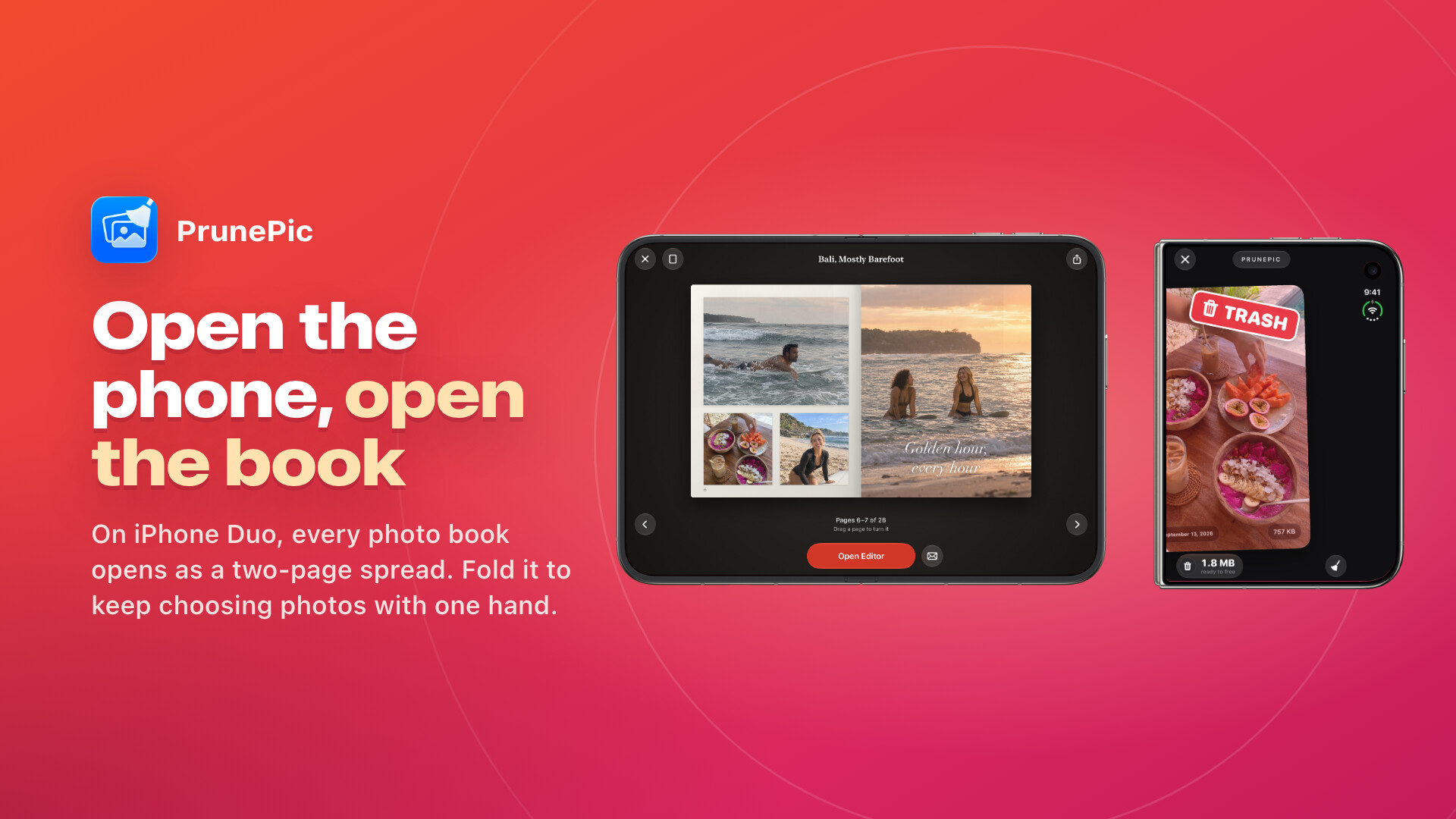
Every iPhone and iPad, including iPhone Duo: PrunePic runs on any iPhone or iPad with iOS 26 or iPadOS 26 or later, with the same swipes, Duplicates and photo books on both. On iPhone Duo, unfold the phone and the book opens as a two-page spread, like an open book; fold it and keep sorting photos with one hand on the outer screen.
Progress and widgets: See how many photos you've reviewed, kept and deleted, and how much space you've freed. Home Screen widgets show the space you've saved, when you last emptied the Trash, and your four newest photos.
Private by design: PrunePic sorts your photos on your device, through Apple Photos. They're never uploaded to be sorted, there's no account to create, and it works offline. A photo book leaves your device only when you share it by link.
Your first photo book is free, with every layout and cover. Without Pro, you can keep as many photos as you like and send up to 100 a day to the PrunePic Trash. PrunePic Pro adds unlimited photo books, sharing by link, Duplicates and every cleaning mode, and removes the daily limit. No ad appears while you sort. Once you reach the free 100, you can watch a short, optional ad to add 40 more for the day; it's the only ad in the app.
PrunePic came out in April 2026. Version 2026.5, released on November 13, 2026, added Photo Books, Duplicates and iPad support.
Sample book
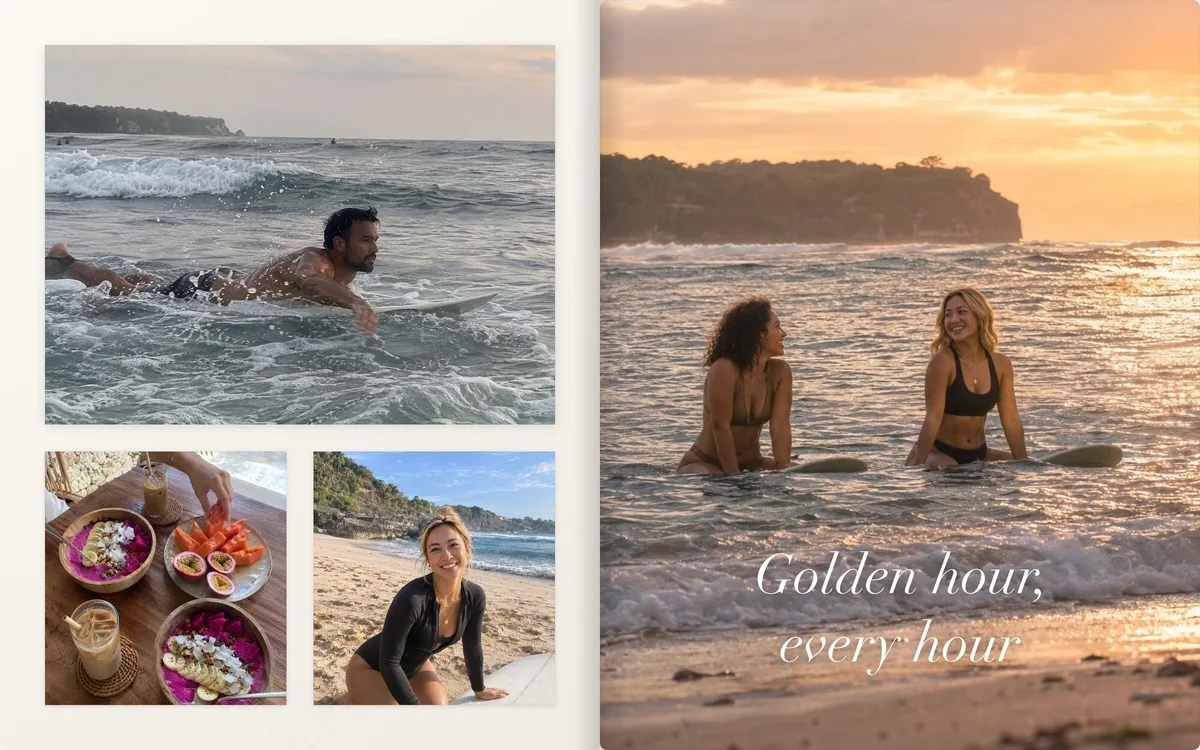
Bali, Mostly Barefoot
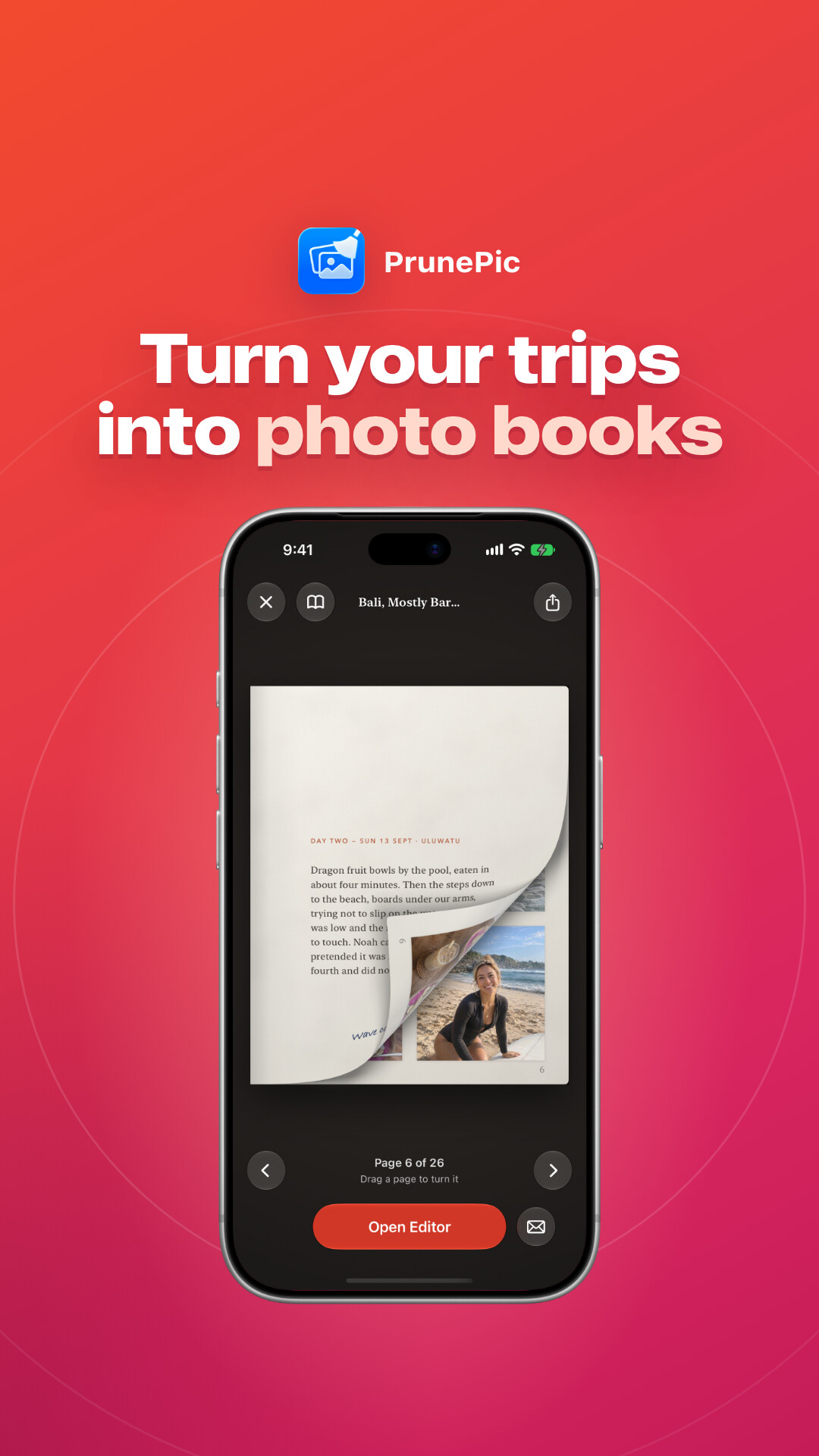
A 26-page book made in PrunePic, opened from its link as family would see it, with no app and no passcode. The trip and the people are made up: the photos were generated for this demo.
Version 2026.5 adds Photo Books, sharing by link, Duplicates and iPad.
Press and review access
Email me for a free PrunePic Pro code, a TestFlight build, other assets or an interview, and I'll reply the same day. I'm Edouard, and I make PrunePic on my own in Switzerland.
Edouard Barbier lives in Switzerland, and the rest of the family is in Belgium and India, so the grandparents rarely see their grandchildren. The family is always looking for ways to bring them closer. Printed photo books helped, but they were expensive and often ended up gathering dust.
With about 70,000 photos of his own, he tried the photo apps already out there and didn't like what they charged. As a developer, he built his own, with the features he knew parents would use most. A family trip to Japan sparked the idea of turning the photos he kept into a book. During the beta, that trip became the first book, and it went to his wife's parents, who loved it.
“We live so far away from each other but seeing our grandkids in such beautiful photos fills our day with happiness. It brings us closer. Thank you.”
Asha K., Indore, India
His view: how we capture and share memories will keep changing, but sharing them with the people we love stays human to human.
Screenshots
The screenshots of version 2026.5, with Photo Books first. Select one to enlarge it, or open the full-size image.
PrunePic on iPhone, iPhone Duo and iPad, sized for articles (16:9, shown here), posts (1:1) and Stories (9:16). The screens show a sample library. The devices are Apple’s product bezels, so please use the images as they are, without cropping, editing or cutting out the devices.
The 2026.5 icon, exported from its Icon Composer source at 1024 × 1024 with transparent corners. The ZIP also has the tinted and clear variants for light and dark, and the square App Store artwork.