
Cleanup app review: is it free, and is it worth it?
Cleanup: Phone Storage Cleaner is free to download and to scan your library, but it is not free to use in earnest: reviewers report a cap on free deletions, 5 a day for most of 2026 and mostly 25 a day since early October, and unlimited cleaning needs Cleanup Pro. On October 31, 2026, the US App Store listed Cleanup Pro 1 Week at nine prices from $5.95 to $11.99 and Cleanup Pro 1 Year at $29.99, behind a 7-day free trial. Its duplicate scan is fast and well liked; most complaints are about money.
Cleanup: Phone Storage Cleaner is one of the most rated photo cleaners on the US App Store: 4.7 stars from 750,015 ratings on October 31, 2026. This review answers what people ask before installing it: is it free, what does it cost, is it safe, and does it free up space.
We make PrunePic, a different kind of photo cleaner, so read this with that in mind. We did not install Cleanup for this review. Every fact about it comes from its US App Store listing, read on October 31, 2026 (version 6.25.1, released October 27), its website and privacy policy, and 1,000 App Store reviews we read and coded: 700 rated 1 to 3 stars, from June 21 to October 22, 2026, and 300 rated 4 or 5 stars, from October 11 to 22, 2026, across eleven English, French, German, Spanish and Italian storefronts. Reviews are what people report, not defects we reproduced. We read the privacy label again on November 6, 2026.
Before any app: what your iPhone already does
Cleanup’s main job is finding duplicates, and the Photos app on iOS 27 does part of that for free. Collections › Utilities › Duplicates finds exact copies and lower-resolution versions and merges them with one tap, keeping the best version. Collections › Media Types gathers videos, screenshots and other types so you can delete them in bulk, and Settings › General › iPhone Storage shows how much space Photos takes. Our guide to deleting duplicate photos shows how far the built-in tools go.
What Photos does not do is group near-identical shots, such as five frames of the same moment, and pick one to keep. That is the gap Cleanup fills. Our page on whether you need a photo cleaner app at all weighs it up.
What Cleanup does well
- A fast scan that groups your library. Cleanup sorts photos into duplicates, similar shots, screenshots, similar screenshots, videos, lookalike videos and more, and marks the shot it judges best in each group of similar photos. You untick what you want to keep, or select everything, and delete in bulk. Speed is the point: in 300 App Store reviews rated 4 or 5 stars between October 11 and 22, 2026, about 24% call it easy, 21% mention speed and 7% mention duplicates specifically.
- A final review. Its App Store page says nothing is removed without your approval and that each session ends on a review screen to double-check the selection.
- More than photos. Video compression, a contacts cleaner that merges duplicates, an email cleaner for Gmail, a PIN-protected Secret Space, charging animations, and battery and storage widgets.
- A swipe mode as a bonus. Cleanup’s website presents a Swipe Mode as a bonus; reviewers describe swiping left to delete and right to keep.
- Wide support. iPhone with iOS 15 or later, in 18 languages.
Is Cleanup free?
Free to download, free to scan, and limited when you delete. The App Store page does not state a free allowance. Reviewers who give a number describe 5 free deletions a day from February to early October 2026, and mostly 25 a day since version 6.23.0 on October 5, 2026, although some still report 5, so it may differ between users. Until late January 2026, reviewers describe watching a video ad to delete more; the June to October 2026 reviews we coded no longer mention in-app ads, and the listing shows no ad notice.
The cap is where many people feel misled. In 700 App Store reviews rated 1 to 3 stars between June 21 and October 22, 2026, about 22% say the app was presented as free, often by an ad elsewhere, and was not; 12% hit a paywall early, some after spending a long time selecting photos; and 10% complain about the free limit itself. If you only want to see what Cleanup finds, the scan is free. If you want to delete hundreds of items, plan on the trial or the subscription.
What Cleanup costs
The US App Store listed ten in-app purchases on October 31, 2026:
| Listed as | Price |
|---|---|
| Cleanup Pro 1 Week | $5.95 (twice), $7.39, $7.99 (four times), $9.99, $11.99 |
| Cleanup Pro 1 Year | $29.99 |
The description names a Weekly and a Lifetime Subscription and a 7-day free trial that renews “based on the annual subscription plan”. No lifetime purchase appears in the list; US reviewers in October 2026 describe one around $39.99. The listing does not say which weekly price you will see, and US reviewers most often quote $11.99 a week, which is about $620 a year if it keeps renewing.
Billing is the biggest complaint. In the same 700 low-rated reviews, about 20% describe a billing problem, such as a charge the moment they tapped the free trial, a renewal they did not expect, a weekly charge where they expected annual, or a refund refused; 18% say the price is too high. Altogether, 63% of the low-rated reviews are about money in some form.
If you try it for one big cleanup, read the plan and period on Apple’s purchase sheet before you confirm, and set a reminder to cancel at least 24 hours before the trial ends: Settings › [your name] › Subscriptions, as Apple explains in how to cancel a subscription. If you were charged by mistake, Apple’s request a refund page is where to start.
Does it actually free up space?
Yes, once the deletion completes. Cleanup removes the items you leave selected, and like any app it moves them to Recently Deleted in Photos, where they normally keep using space for 30 days unless you delete them there too. If iCloud Photos is on, a deletion also removes the photo from iCloud and your other devices.
We did not install Cleanup, so we cannot say how much space it frees on a typical library; about 6% of the 300 positive reviews mention space freed. About 5% of the low-rated reviews say storage did not go down after cleaning, and 13% report a crash or bug, often at the final delete step after a long selection, which means starting over; two reviews from Italy in September 2026 describe the app hanging at launch on iOS 27. After any cleanup, empty Recently Deleted to get the space back the same day; our guide to iPhone storage full shows how, and recovering deleted photos explains what you can still bring back.
Bulk selection has a second risk: deleting something you wanted. About 4% of the low-rated reviews describe a wrong deletion, including similar-photo groups that held unrelated shots, and side effects from the email and contact tools. Look through each group before you delete, and check Recently Deleted afterwards.
Is Cleanup safe?
For your photos, the safeguards are the usual ones: its App Store page says nothing is removed without your approval, and iOS normally keeps deleted items in Recently Deleted for 30 days, unless your iCloud storage is over its limit, which removes them at once. We did not install Cleanup or inspect what it sends, so this rests on its listing, its policy and what reviewers report. The concerns those raise are about billing, covered above; about wrong deletions, from photo groups and from the email and contact tools, covered in the previous section; and about privacy, below. Its privacy label, described below, had not changed when we read the listing again on November 6, 2026.
Cleanup needs access to your photo library to scan it. Its App Store description says no files leave your phone and “no tracking”, but its privacy label on October 31, 2026 listed purchases, identifiers and usage data as used to track you, and contact info, identifiers and usage data as linked to you. Its privacy policy says photos are processed on the device. The email cleaner asks you to sign in with Google. The App Store’s App Privacy section is the place to check this for any app before installing.
How PrunePic differs
PrunePic is our app. It works the other way round from Cleanup: one decision per photo, and nothing selected for you. Where it is different, factually:
- One photo or video at a time. Swipe left to delete, up to keep, right to favorite or file into an album. Nothing is preselected for you.
- A free allowance in plain numbers: up to 100 photos a day to the trash, with unlimited keeps; keeping, favoriting and album saves never count, and you see how many are left as you go. No daily limit and the focused modes, such as Videos and Screenshots, are part of PrunePic Pro, at $29.99 a year with a 7-day free trial, $4.99 a month or $49.99 once in the US. No ad appears while you sort; past the free 100, you can watch a short optional ad to add 40 more for the day.
- A trash you control. What you swipe left waits in the PrunePic Trash, with the space it will free, until you choose to empty it; iOS confirms, then Recently Deleted keeps the items for 30 days, unless your iCloud storage is over its limit, which removes them at once.
- Your photos never leave your device. The app does use analytics and advertising-measurement tools (Firebase, Mixpanel and Meta), and its privacy label lists identifiers as used to track you.
Where Cleanup is ahead: it scans your whole library for duplicates and similar shots at once, where PrunePic’s Duplicates, part of Pro, scans one period at a time, and it adds Live Photo to still conversion, video compression, contacts and email cleaning, a vault, iOS 15 support and 18 languages. For a library full of near-identical bursts, its scan is the faster tool. The roundup of photo cleaner apps covers scanners and swipe apps side by side.
The verdict
Cleanup is good at what it is built for: scanning a large library and clearing duplicates and similar shots in minutes. It is not really free: the free plan lets you see what it finds and delete a handful a day, and the paid plans are mostly weekly, at prices that add up. If you try it, use the Duplicates collection in Photos first, read the plan on Apple’s purchase sheet, cancel the trial in Settings if one cleanup is all you need, and empty Recently Deleted afterwards. If you would rather go through your library yourself, photo by photo, the built-in tools in our guide to cleaning up the camera roll or a swipe app will do the job.
Frequently asked questions
Is the Cleanup app free?
It is free to download and to scan, and you can delete a small number of items a day without paying. Cleanup does not publish that number on its App Store page; reviewers describe 5 free deletions a day for most of 2026 and mostly 25 a day since version 6.23.0 in early October, with some still reporting 5. Unlimited cleaning needs Cleanup Pro, which starts with a 7-day free trial.
How much does Cleanup Pro cost?
On October 31, 2026, the US App Store listed Cleanup Pro 1 Week nine times, at $5.95, $7.39, $7.99, $9.99 and $11.99, and Cleanup Pro 1 Year at $29.99. US reviewers most often quote $11.99 a week. The listing does not say which price you will be shown, so read the price and billing period on the purchase sheet before you start the trial.
Does Cleanup have a lifetime plan?
Its App Store description names a Lifetime Subscription, but no lifetime purchase appears in the US in-app purchase list. US reviewers in October 2026 describe a lifetime offer around $39.99. Check the paywall itself; we could not confirm the price from the listing.
Does the Cleanup free trial turn into a weekly or a yearly plan?
The listing says the trial renews based on the annual subscription plan within 24 hours before the 7 days end. Many reviewers describe a weekly charge instead, and a few report a 3-day trial. The purchase sheet Apple shows before you confirm states the plan, price and renewal period, so that is the screen to trust.
How do I cancel a Cleanup subscription?
On iPhone, open Settings, tap your name, then Subscriptions, choose Cleanup and tap Cancel Subscription. Do it at least 24 hours before the trial or period ends. Deleting the app does not cancel a subscription. If you see an expiration date and no cancel button, it is already cancelled.
Is Cleanup safe?
It shows a final review screen before deleting, and iOS normally keeps deleted photos in Recently Deleted for 30 days. Its App Store page says no tracking, but its own privacy label, on October 31, 2026, lists purchases, identifiers and usage data as used to track you. Its email cleaner needs you to sign in with Google, and a few reviewers report problems after using the email and contact tools.
Who makes Cleanup?
The App Store lists DEEP FLOW SOFTWARE SERVICES - FZCO as the seller; the listing's copyright line reads Codeway 2020. The app was first released in December 2020.
Keep reading
- FeaturesSwipe to delete photos, one at a timePrunePic shows your iPhone photos and videos one at a time. Swipe left to delete, up to keep, right to favorite. Nothing is gone until you empty the trash.
- FeaturesUndo any swipe before a photo is deletedPrunePic never deletes a photo when you swipe. Undo it, swipe back or Put Back from the PrunePic Trash, then delete the rest in one batch you confirm in iOS.
 ComparePrunePic vs Apple PhotosWhen the iPhone's Photos app is enough to clean up your library, and when a swipe app like PrunePic saves time. An honest comparison, tested on iOS 27.
 GuidesHow to delete duplicate photos on iPhoneMerge duplicates with the built-in Duplicates collection in Photos, then deal with the near-identical shots it skips. Step-by-step for iOS 27.
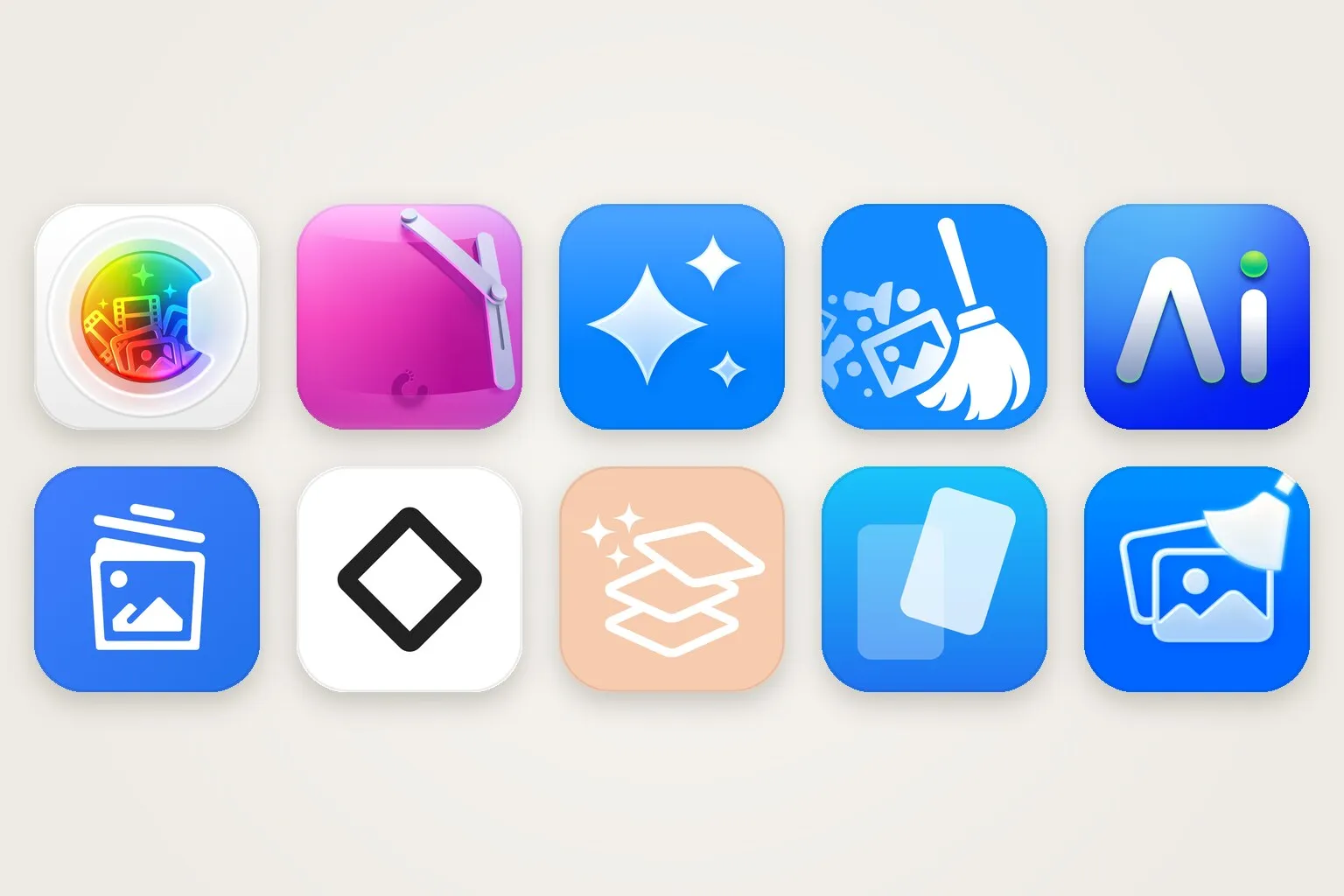 GuidesThe best photo cleaner apps for iPhoneDuplicate scanner or swipe app? Ten iPhone photo cleaners compared on free limits, ads, one-time purchases, album filing and App Store privacy labels.
 GuidesHow to clean up your iPhone photosClean up iPhone photos without burning out: a 10-minute first pass, simple rules for what to keep, a way to never lose your place, and a routine that keeps it clean.